
Identify any plant
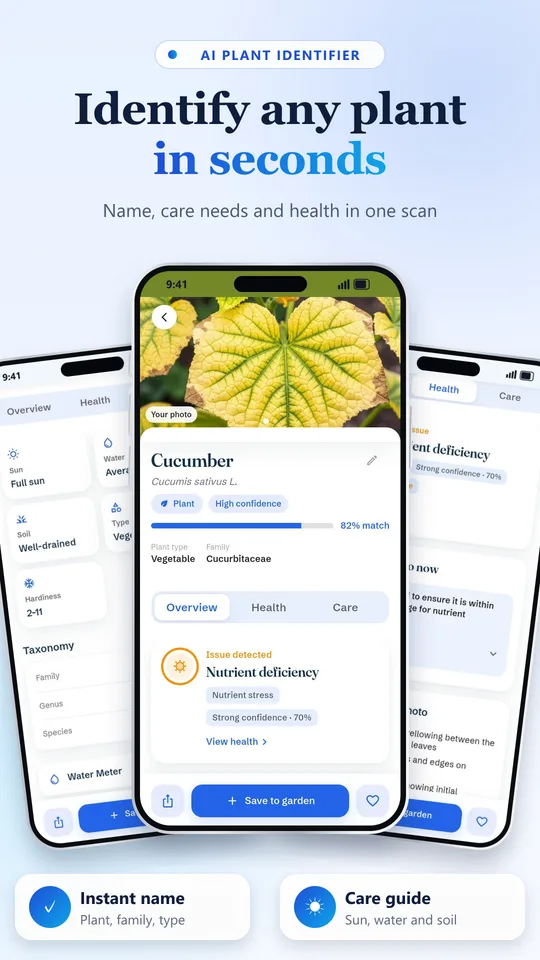
Name, scientific name, family and care basics from one photo. Plants, flowers, trees and weeds.
Point your camera at a plant to learn its name, spot problems early and get a clear care plan. With an AI botanist and reminders, in your language.
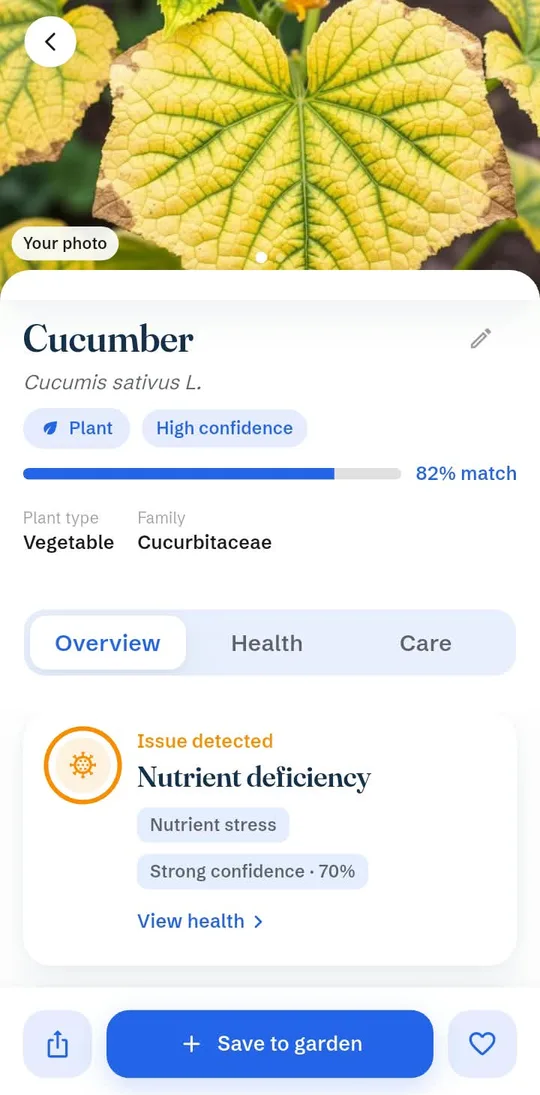
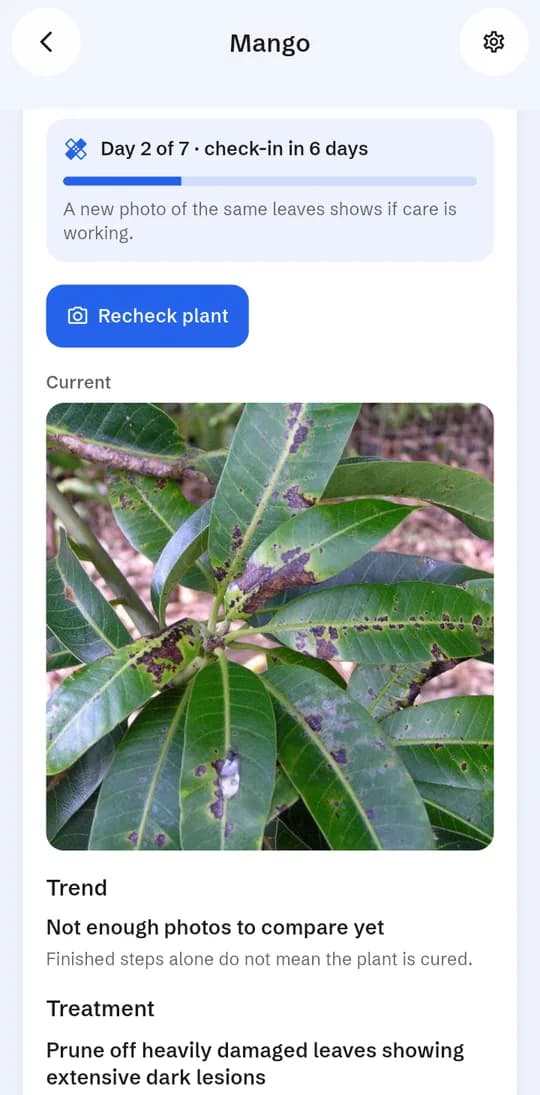
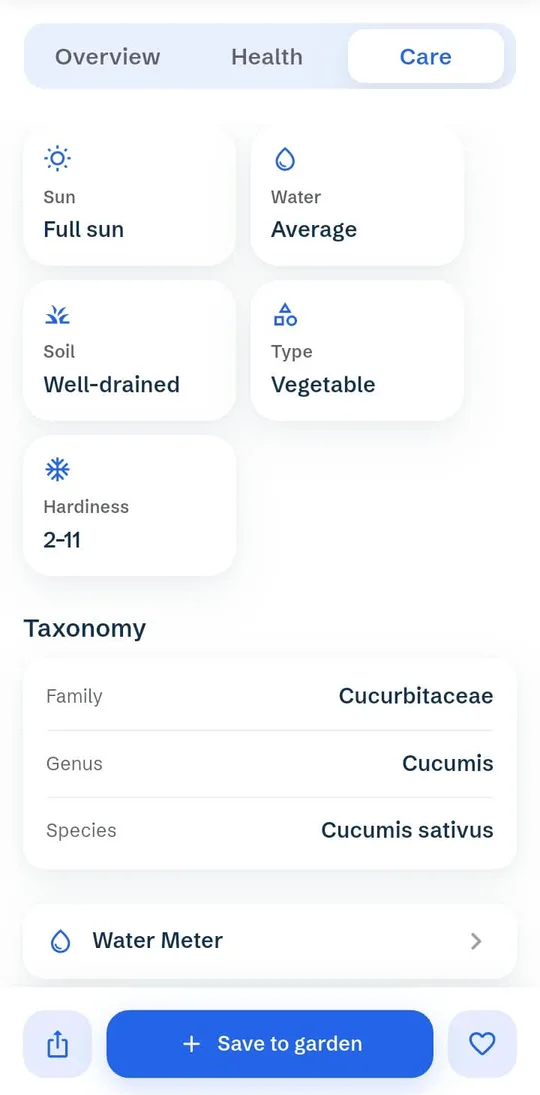
Pick a photo. This is what the app shows after a scan.
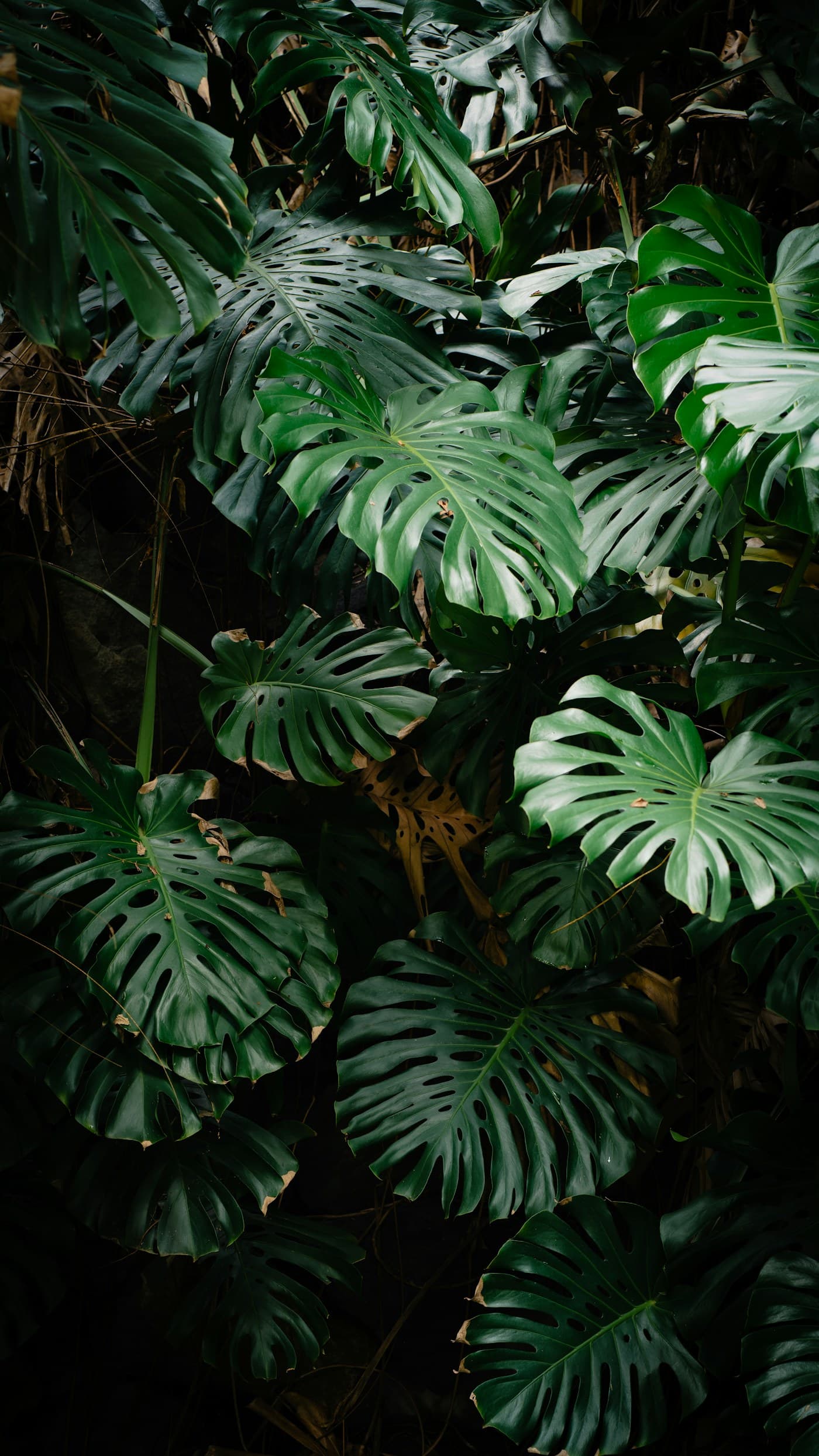 Example result
Choose a sample
Name, scientific name, family and care basics from one photo. Plants, flowers, trees and weeds.
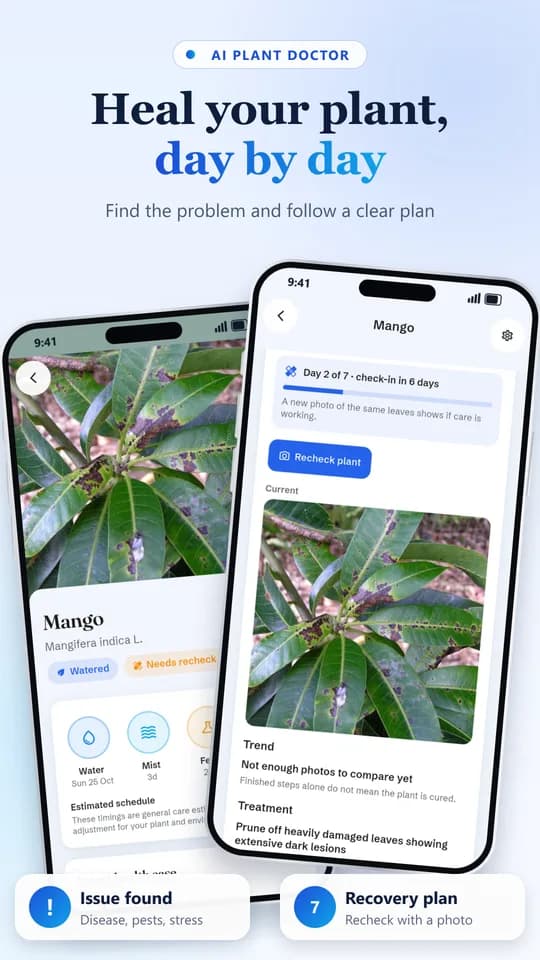
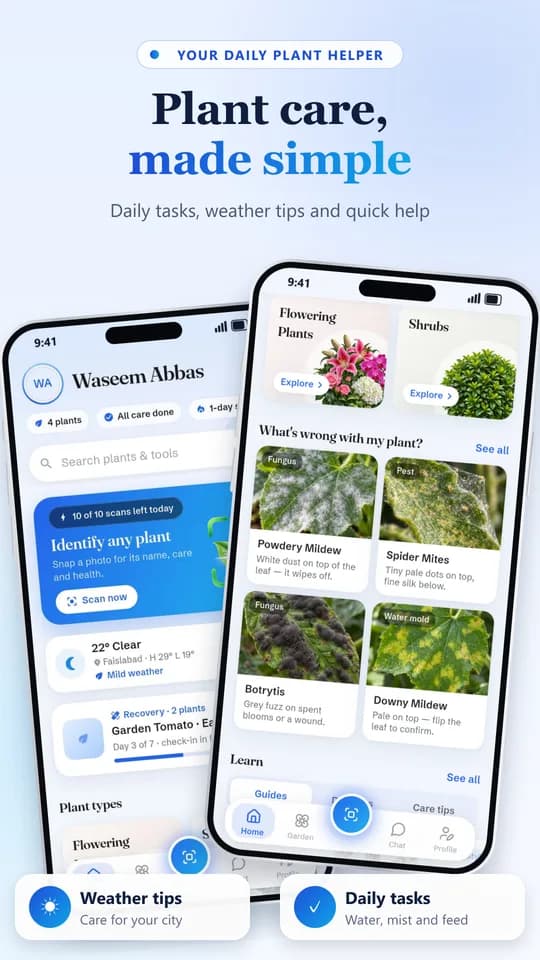
Finds likely disease, pests or stress, shows how serious it is and gives a step-by-step plan.
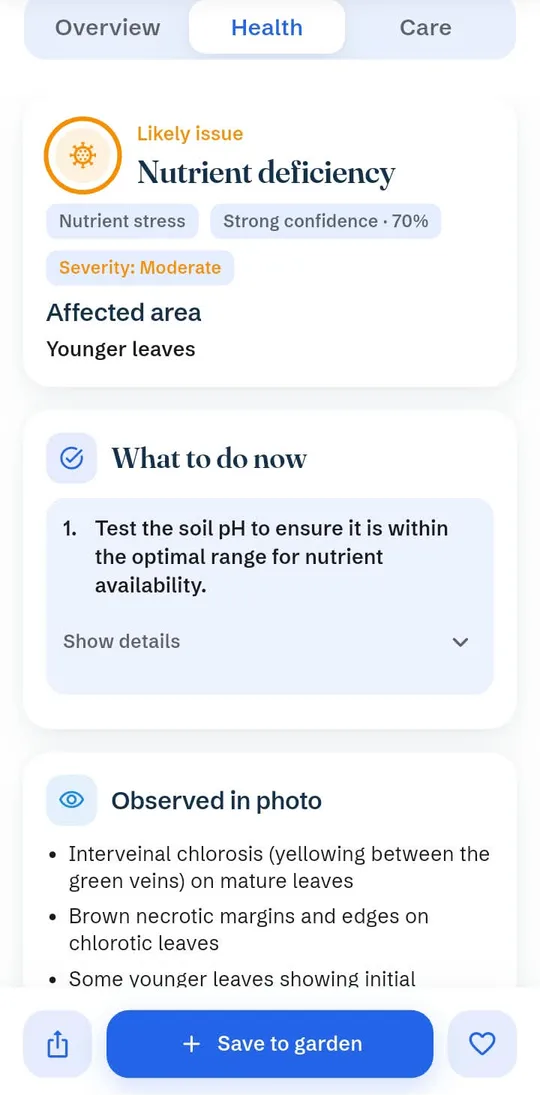
Every diagnosis becomes a case with a daily plan, recheck reminders and a progress timeline.
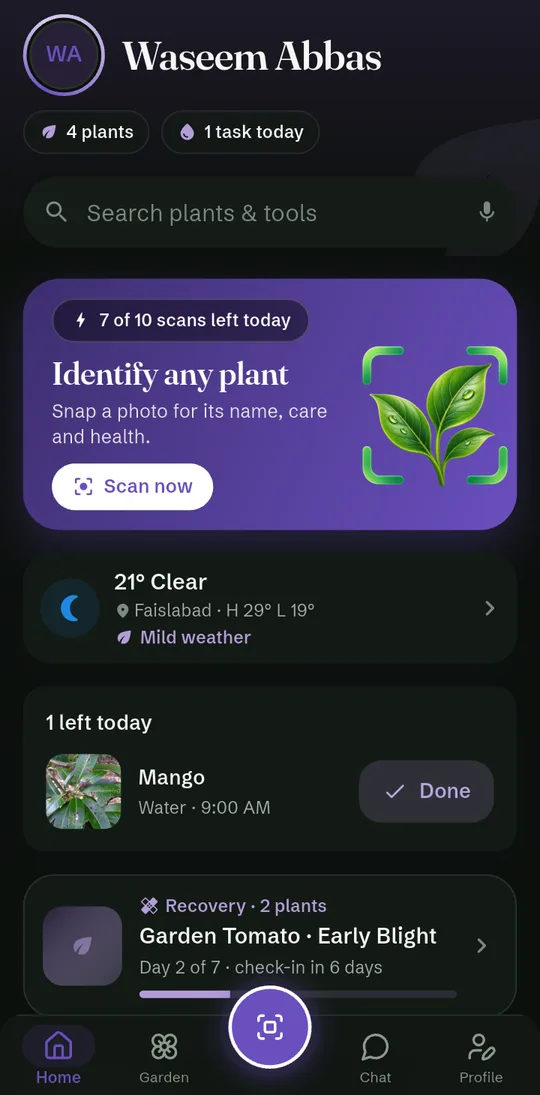
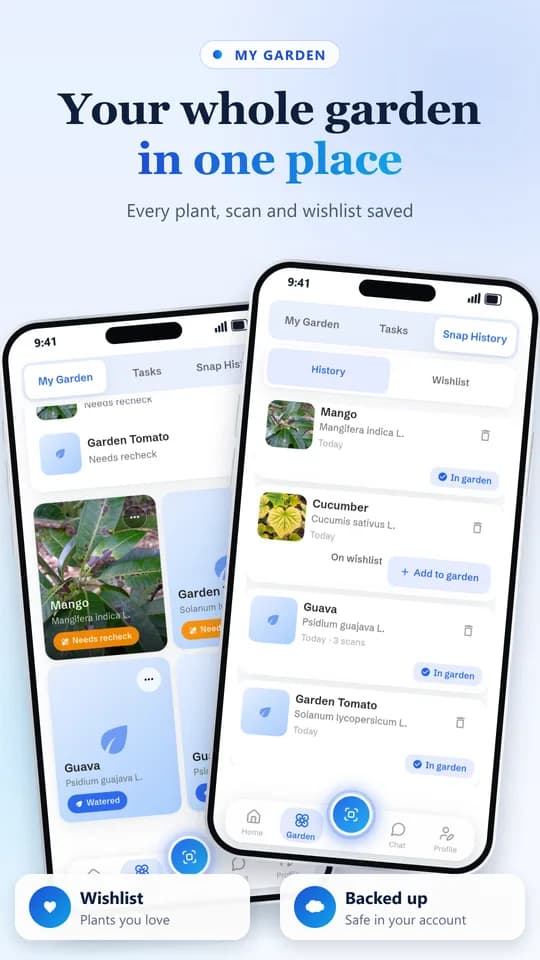
Every plant with photos, notes and groups, plus your scan history and wishlist.
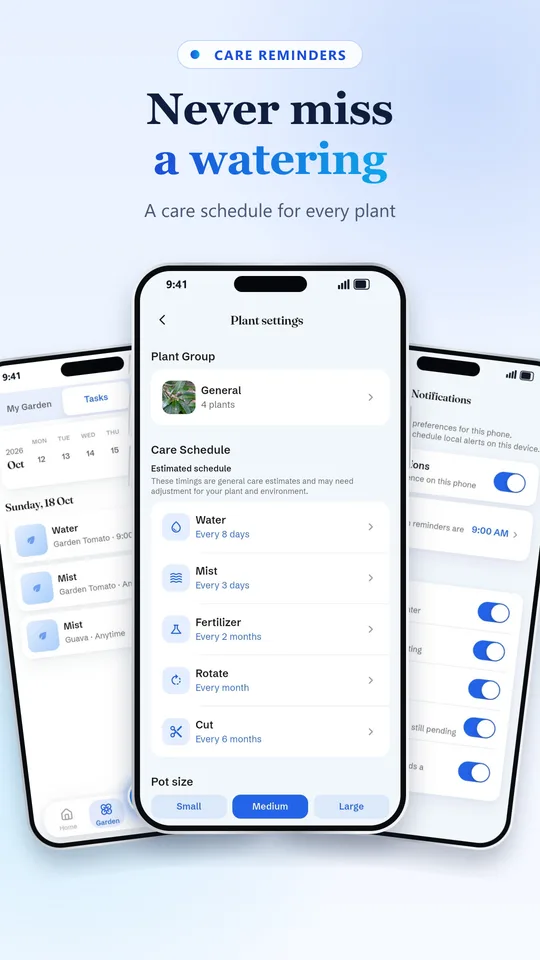
Water, mist, feed, rotate and prune on a schedule made for each plant.
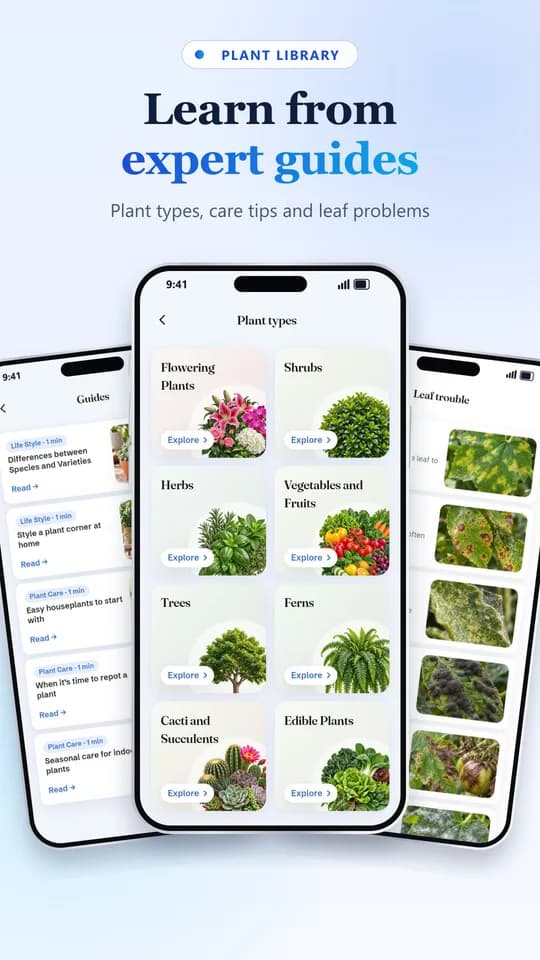
Plant types, care tips, DIY fixes and a leaf-trouble library to learn from.
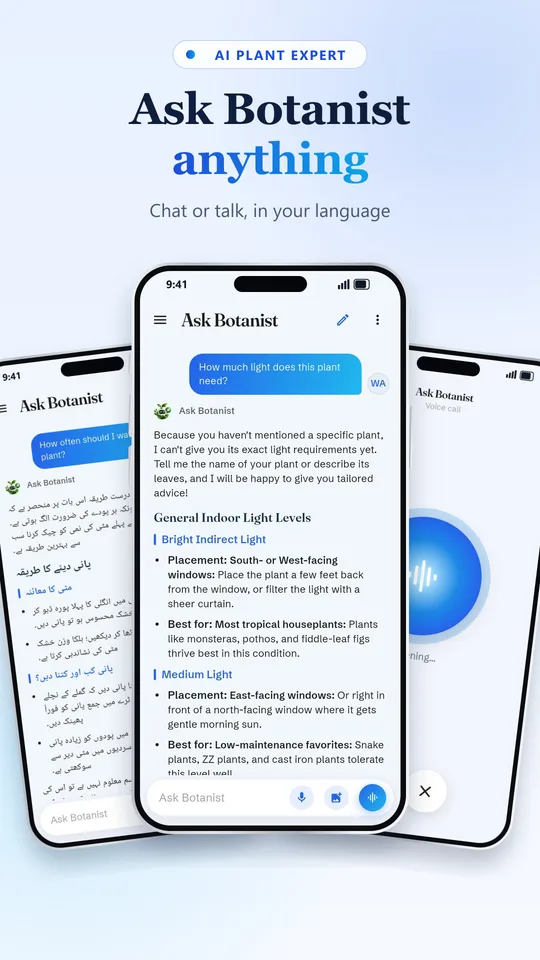
Ask anything about watering, light, pests or yellow leaves. Type or talk hands-free, and get answers in your own language.
Point your camera at a leaf, flower or the whole plant.
See the name, care needs and any problem, with a clear plan.
Save it to your garden, get reminders and recheck as it recovers.
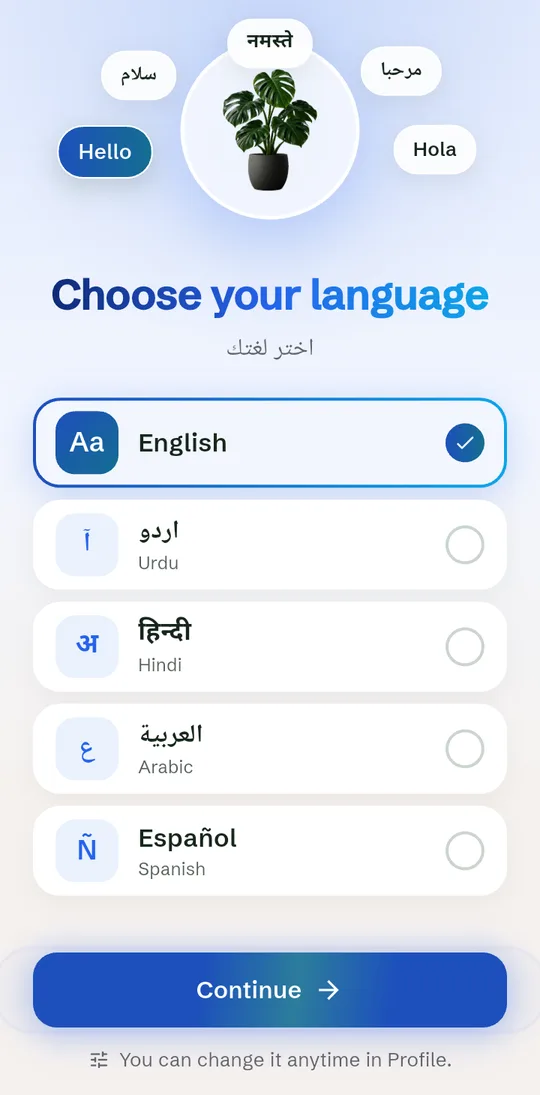
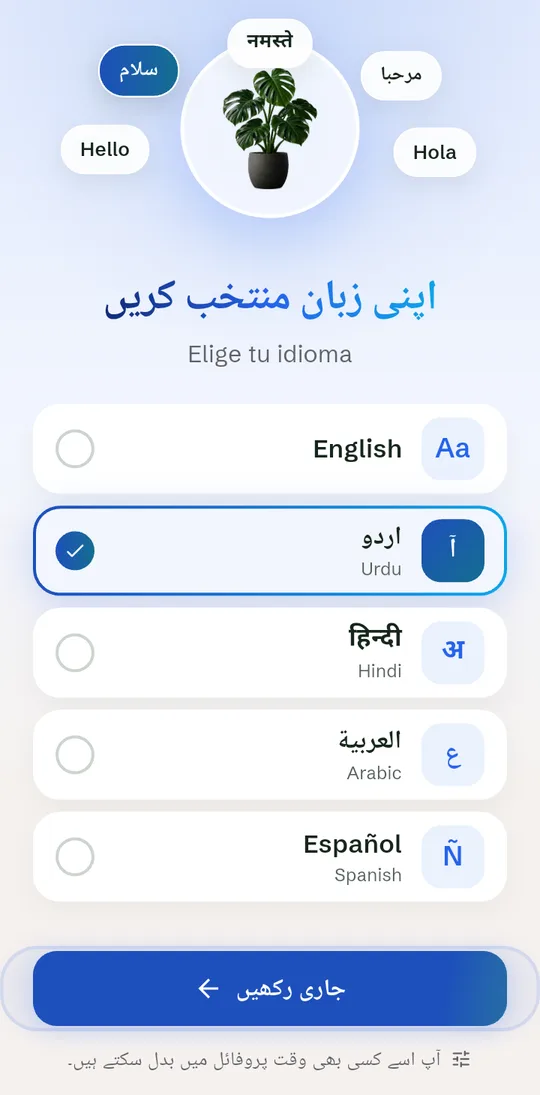
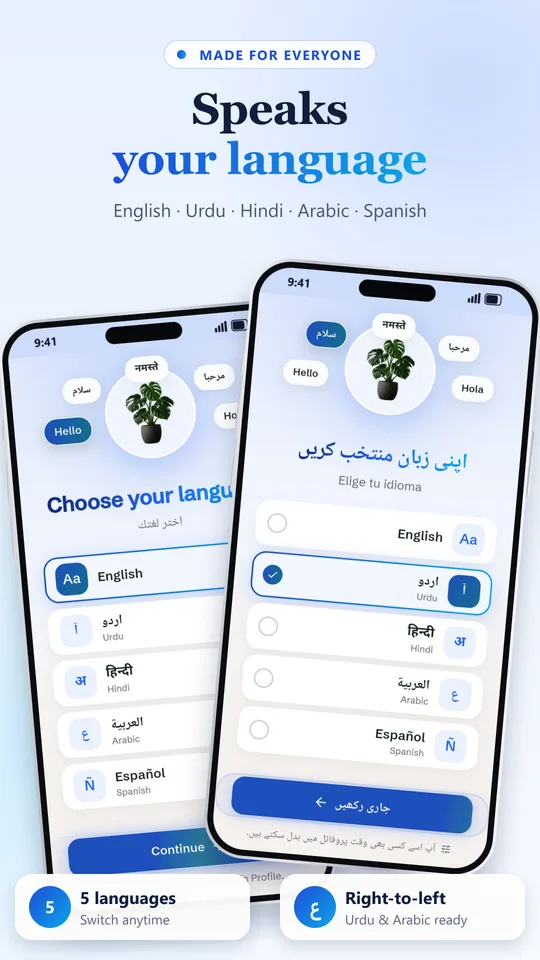
Use the app in English, Urdu, Hindi, Arabic or Spanish, with full right-to-left support. Pick Blue, Green or Lavender, in light or dark.
Android phones running Android 7.0 or newer. Download it from Google Play.
GreenScan uses AI to identify plants and spot likely problems. Results are helpful guidance, not a guarantee. For a valuable or very sick plant, check with a local plant expert too.
Yes. Sign in with Google or email so your garden, notes, chats and plant photos are backed up and come back when you change phones.
English, Urdu, Hindi, Arabic and Spanish. Ask Botanist answers in the language you choose.
There is a daily scan limit, and the app always shows how many scans you have left today.
In the app, open Profile, then Privacy, then Delete account. You can also follow the steps in our privacy policy.
Download GreenScan Plant AI and scan your first plant in seconds.
GET IT ONGoogle PlayFor Android 7.0 and newer